

Frothy Brew#
Important
Many images have been made in Webp as it can save up to three quarters of the image size. If you cannot see them - sorry - please use another browser.
Tip
It's best to download the examples and run them on the computer to see how the script looks, a static picture on the web isn't the whole story.
Contributors#
Be DPI Aware#
How to mitigate or correct the effects of changing monitor resolution. These were tested on an ultra high definition (UHD) monitor on windows. Check that all is as expected on your own setup before accepting the methods.
Scaleable Buttons#
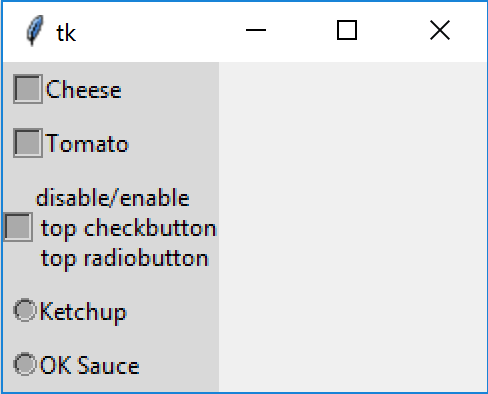
DPI unaware unscaled using altflex theme |
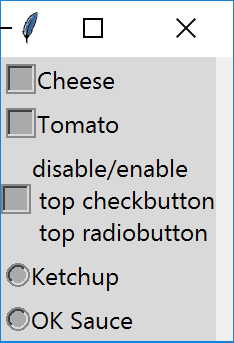
DPI aware scaled using altflex theme |
|---|---|
|
|
Check and radio buttons are reasonably straightforward except that those in the alt theme cannot be easily adjusted for dpi awareness.
Notebook#
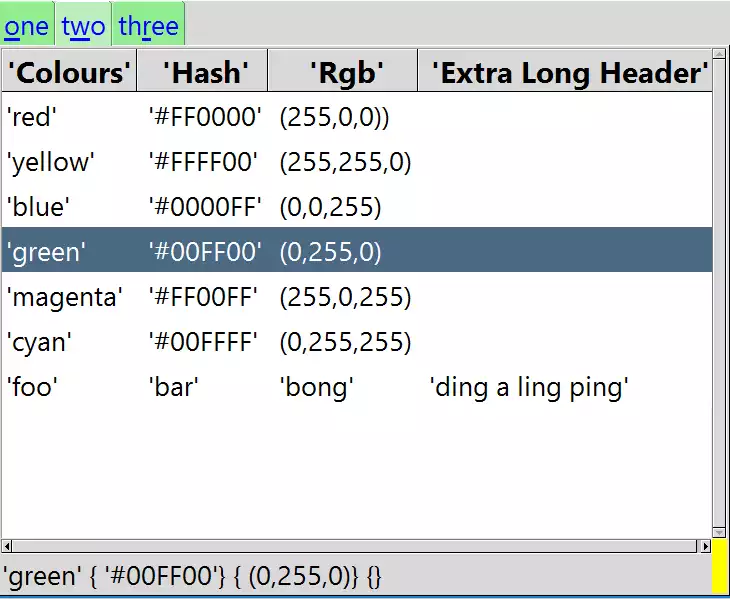
Not every application sits comfortably with a menu driven system. The themed widget notebook that creates the tabbed method of layout. Other widgets would then sit within the tabs.
Treeview#
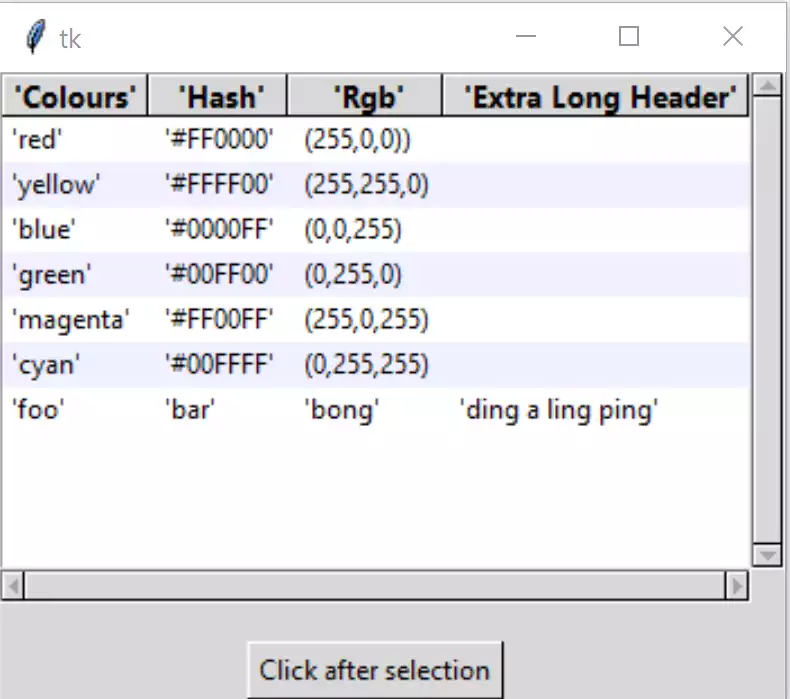
One of the widgets introduced in themed tkinter. We can produce a widget that shows information in parallel columns. This is particularly useful when choosing data from tables of information.
Entry#
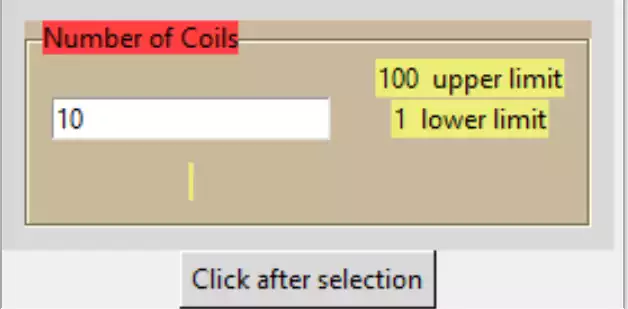
This widget is available in both the basic tkinter and themed tkinter. This is used shenever the user has to enter information in real time. The validation methods can be used for the combo- and spinboxes as well.
Scale#
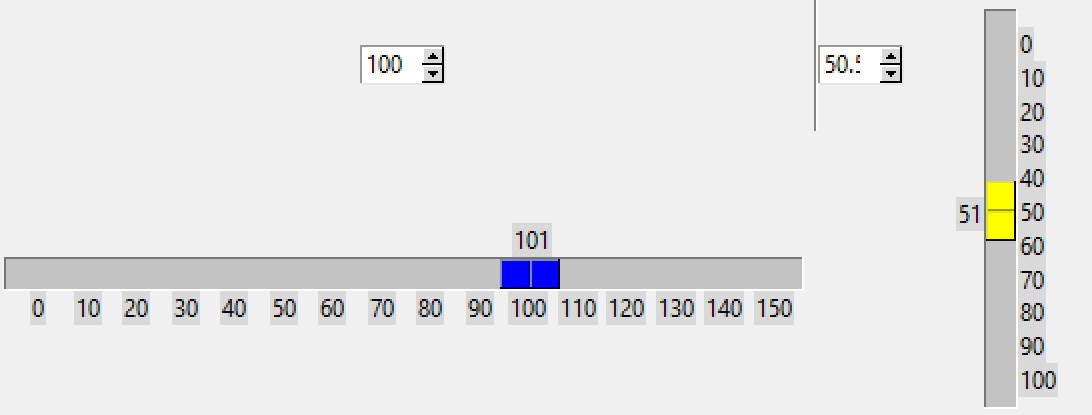
This widget is available in both the basic tkinter and ttk, however in ttk the widget is missing several useful options for an annotated scale. Both horizontal and vertical scales are addressed.
Saving with Canvas#

Working with canvas there are times when the output should be saved. This shows some of the choices available.
Move in Canvas#

Canvas tkinter widget using one of its many facets, moving objects. This is a prelude to Colour Picker and YIQ Colour Picker.
Colour Picker#

Using a colour picker we can see some of the potential strengths and weaknesses of the versatile tkinter Canvas widget.
YIQ Colour Picker#

There are relatively few YIQ colour pickers around, so just for fun let's create one. YIQ is one of the most understandable colour schemes.